WordPress adds Baidu real-time hot search news through the small toolbar on the right
Original link: https://www.itylq.com/wordpress-baidu-resou.html
Release date: 2022-09-17 Migration time: 2026-03-21
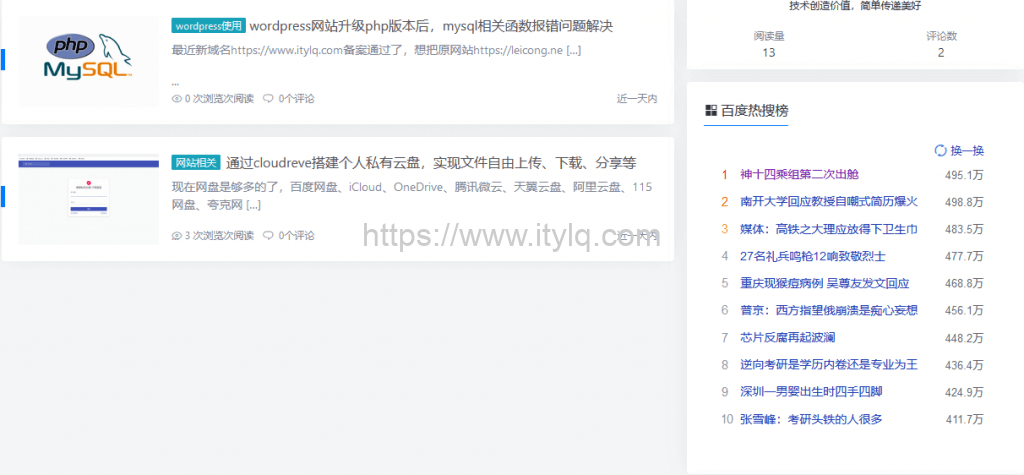
Apart from the settings for displaying articles, search boxes, tag clouds, etc., there seems to be nothing much to add to the right column of the website, which is a bit monotonous. How can we integrate Baidu's real-time hot search news through API or other methods, so that visitors can have one more choice when browsing the content of this website.
-
Download resou.php, and then upload it to the directory where the WordPress theme is located;
-
Add the following code where you need to quote and display Baidu hot searches:
<iframe align="middle" frameborder="0" marginheight="0" marginwidth="0" scrolling="no" seamless="seamless" width=345 height=380 src="Where you put resou.php"></iframe>
- Then adjust the css style according to your own preferences. (This step is not necessary)
The effect is as follows:
This article was moved from WordPress to MkDocs