WordPress personal blog website domain name change operation record (switching from main domain name to sub-domain name)
Original link: https://www.itylq.com/change-wordpress-website-domain-name.html
Release date: 2024-10-27 Migration time: 2026-03-21
1 Background
As more and more websites are built, a personal homepage is urgently needed for summary display. Choose from the three domain names that are currently in use and have been registered. It is more appropriate to display the domain name leicong.net as your personal homepage with the same name. There is a problem that needs to be solved. The leicong.net domain name was previously used to build a life record blog. How to smoothly switch the blog content to the secondary domain name blog.leicong.net?
2 Implementation
Important note: The domain name change involved in this article is performed on the same server and does not involve issues such as cross-server and record transfer. For reference only, the data is priceless, please do sufficient testing before implementation.
To avoid confusion, the main website and main domain name mentioned later refer to the leicong.net website and domain name before the change, and the secondary domain name refers to the blog.leicong.net website and domain name after the change.
-
Create a new site in the background, bind the secondary domain name blog.leicong.net, and ensure that the PHP version and Nginx configuration are the same as the original main site. Screenshot omitted.
-
Log in to the existing main site and modify WordPress (URL) and site address (URL) to the secondary domain name blog.leicong.net. Screenshot omitted.
-
Back up the main site database leicong_net, and import the database blog_leicong_net corresponding to the secondary domain name with one click.
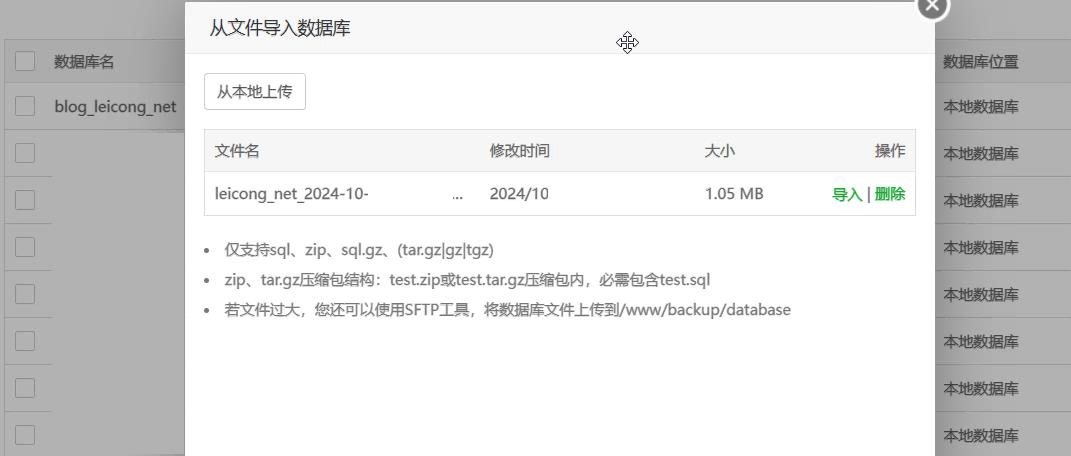
-
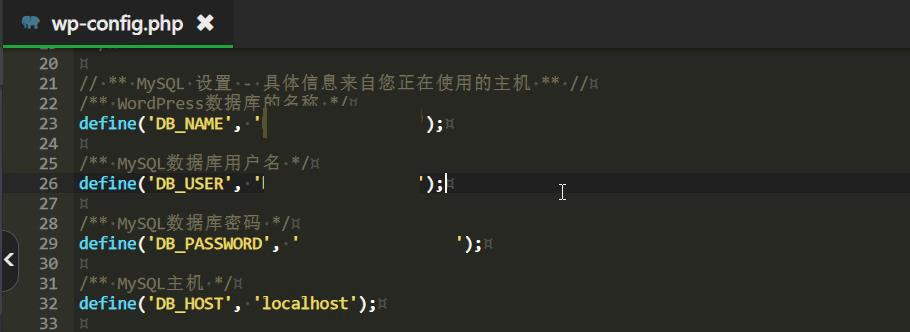
Copy all files under the main site to the secondary domain name directory and modify the wp-config.php file. It may mainly involve three parameters: DB_NAME, DB_USER, and DB_PASSWORD.
-
Modify links to articles, comments, local pictures, etc., and replace them with second-level domain names in batches. The code is as follows:
UPDATE wp_posts SET post_content = replace(post_content,'leicong.net','blog.leicong.net');
UPDATE wp_comments SET comment_content = replace(comment_content,'leicong.net','blog.leicong.net');
UPDATE wp_comments SET comment_author_url = replace(comment_author_url,'leicong.net','blog.leicong.net');
Tip: If the data table prefix has been modified when building the website, the table names in the database will no longer be wp_posts or wp_comments. Use the show tables; command to view all table information.
- Delete all files and the main site database in the main site directory, and then upload the static files of the personal homepage to the main site directory.
3 Verification
- The lifestyle blog of the second-level domain name is displayed normally. All local image addresses have been changed to
https://blog.leicong.net/../*.png, and the image bed images are not affected;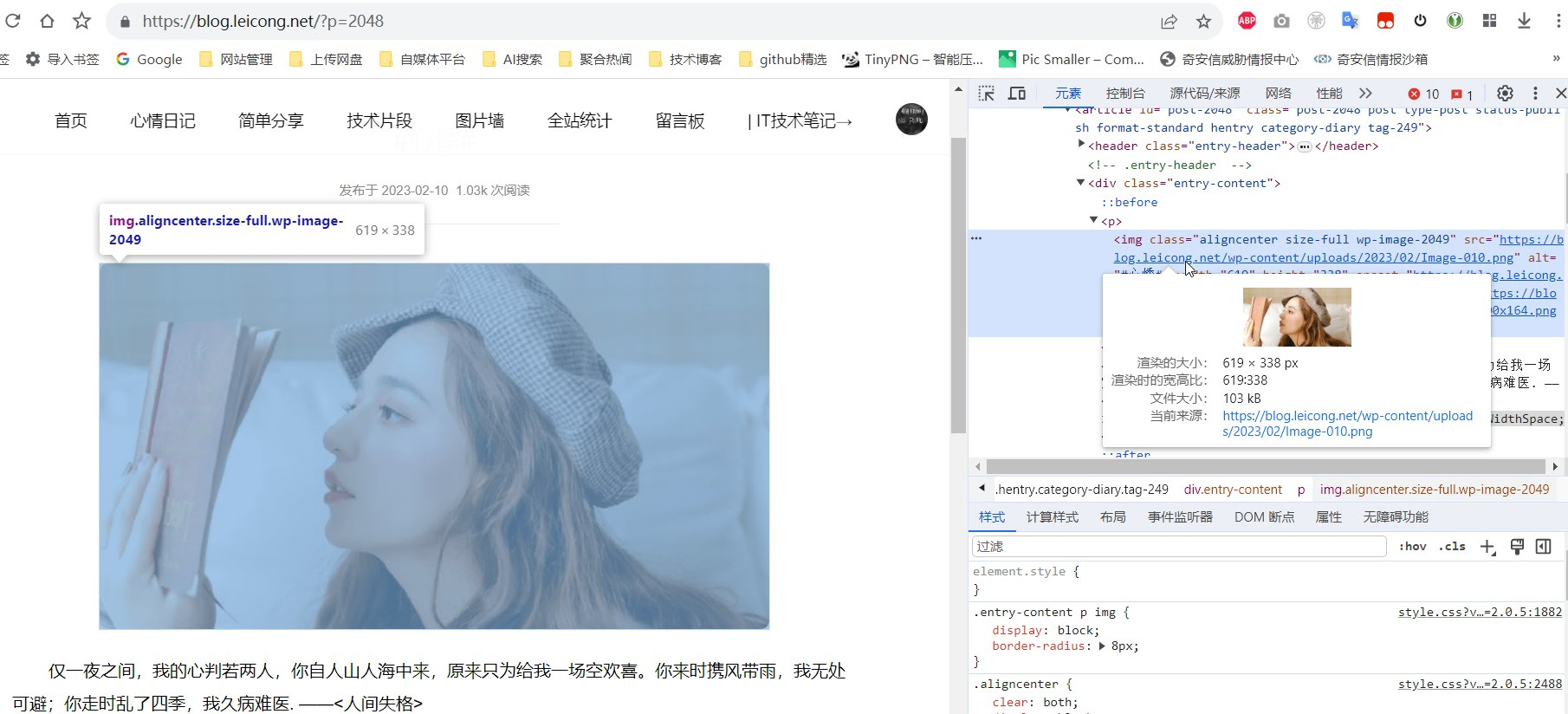
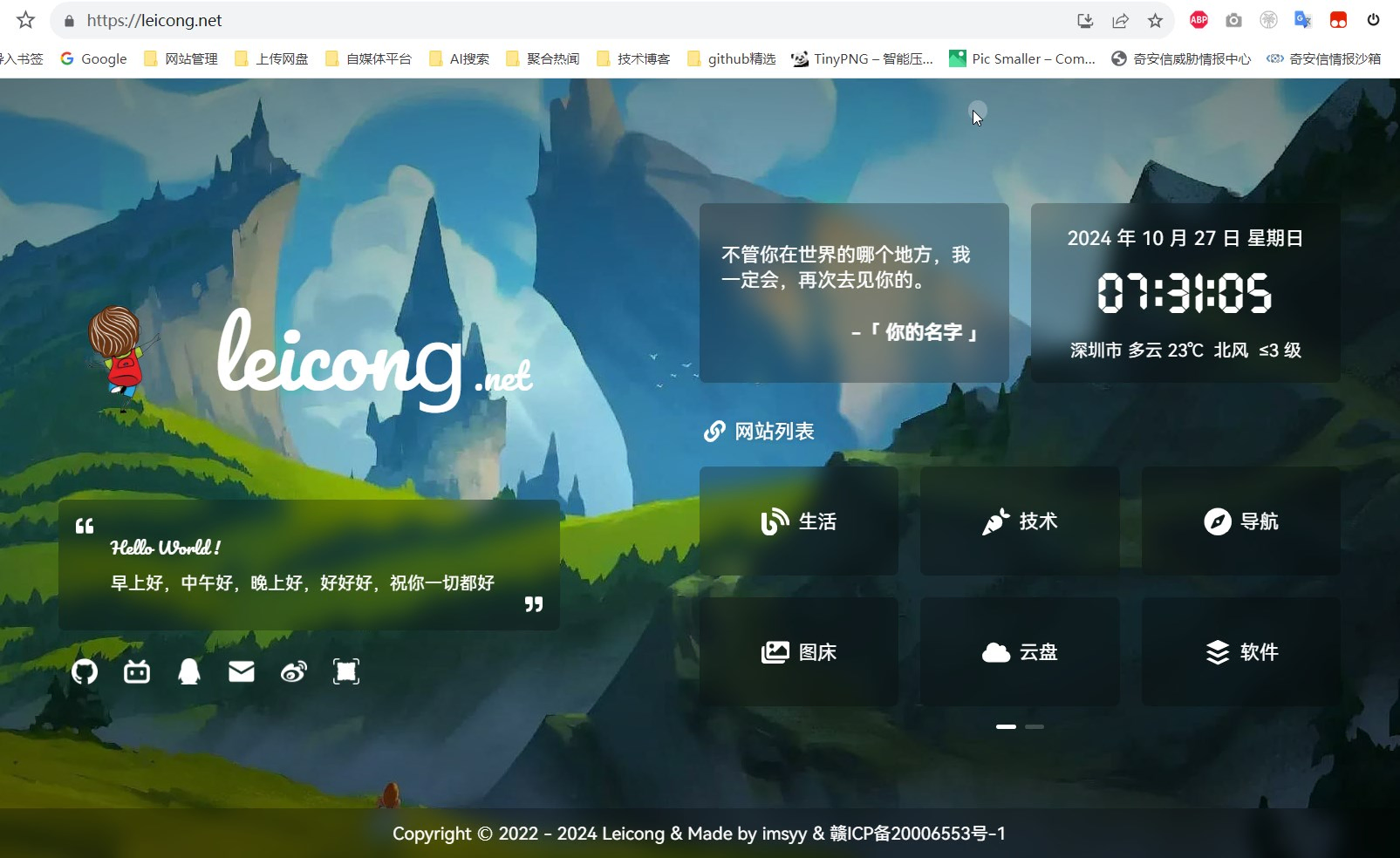
- The personal static homepage of the main website/main domain name is displayed normally.
This article was moved from WordPress to MkDocs