BAT script: Traverse all subdirectories under the current folder/directory. If there is a poster.jpg image file, copy it in the same location and name it fanart.jpg.
Original link: https://www.itylq.com/bat-traversal-search-file.html
Release date: 2024-06-19 Migration time: 2026-03-21
1 Script requirements
Recently, I used a third-party downloader to download a lot of Bilibili videos to pass the time. The resources are quite complete, including subtitles, barrage, nfo, video files and poster images (see Figure 1 below). The only drawback is that there is no fanart cover image. Because poster.jpg files are all widescreen, simply copy all poster.jpg images and rename them to fanart.jpg to use as widescreen covers. What's more troublesome is that the video files are all stored in the third-level directory of "Category-up Main-Video Name" (see Figure 1 below), and there are a large number of them, so we can only try to complete them in batches through scripts.

2 Function description
Traverse all subdirectories (including sub-subdirectories, sub-sub-subdirectories...) under the specified directory, with no depth limit;
When the specified file poster.jpg exists in a subdirectory, copy the poster.jpg file in the same location/path and rename it to fanart.jpg.
3 Detailed code
@echo off
::
::script function:
::Traverse the directory to find the specified file, if it exists, copy it and rename it
::
set title=Batch copy poster.jpg to fanart.jpg

::Enable variable delay
setlocal enabledelayeexpansion

::Set source and target files
set SourceFile=poster.jpg
set TargetFile=fanart.jpg

::Traverse the current directory and all its subdirectories
for /R %%i in (*%SourceFile%) do (
::Make sure the target file does not exist
if not exist "%%~dpi%TargetFile%" (
echo %SourceFile%
copy "%%~dpi%SourceFile%" "%%~dpi%TargetFile%"
echo Copied %TargetFile% to "%%~dpi"
)
)

endlocal
pause
Definition:
%SourceFile%: "" is a wildcard character, representing any character. The combined meaning is to match any absolute path containing "...\poster.jpg";
%%~dpi: Only expand %I to a drive letter and path, which is the full path of the poster.jpg file after removing the file name;
For /R %%i: The root directory path to be traversed is omitted. The complete command is "For /R [Drive:]Path /R %%i". If it is omitted and not specified, the default root directory path is the path where the current bat script file is located. Therefore, just double-click to run this bat script. Never right-click to run it as administrator!
4 Instructions and examples
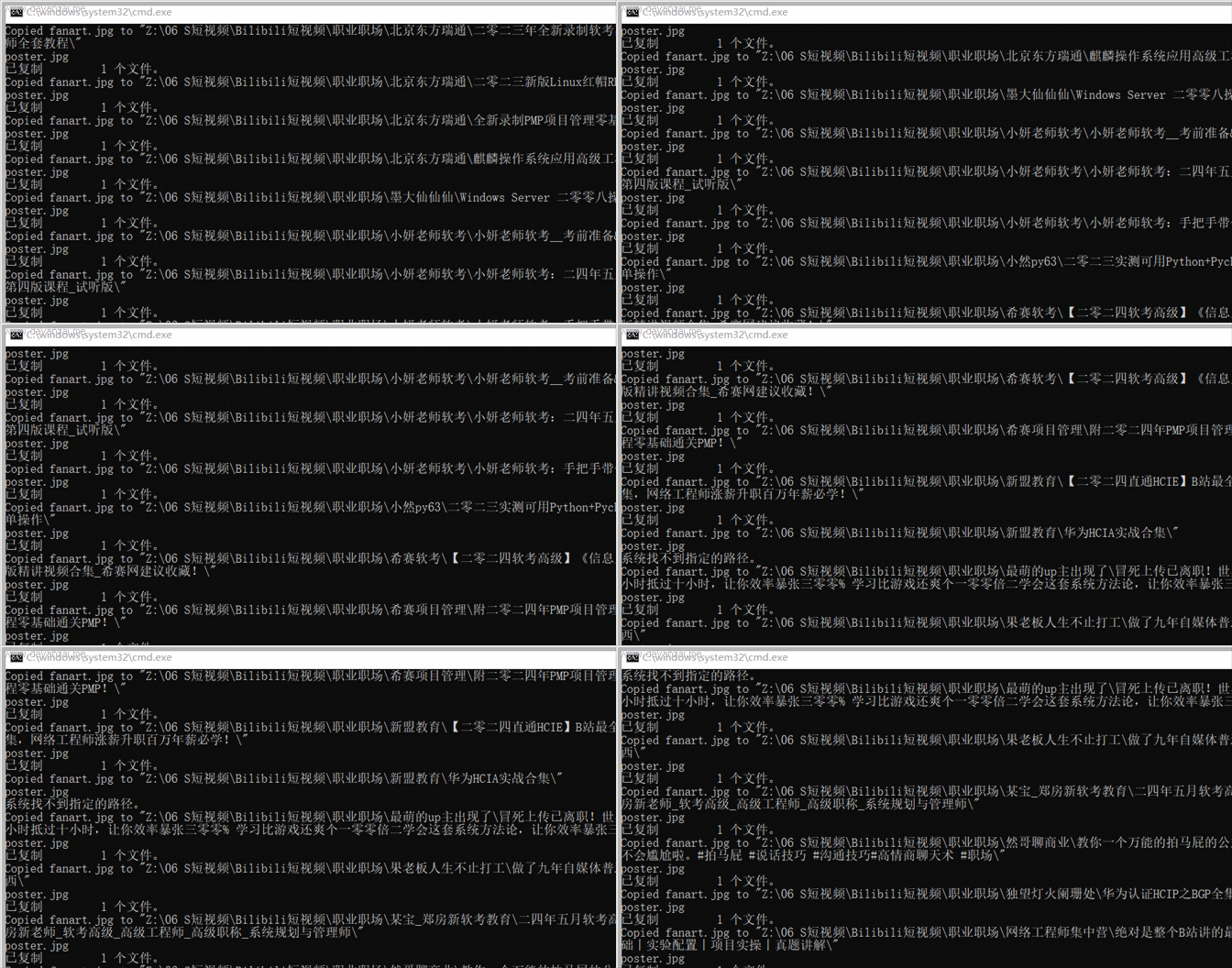
Copy the above code to Notepad, save it as a .bat file, then drag and drop the bat file into the folder where you need to traverse the subdirectories, and double-click to run.
This article was moved from WordPress to MkDocs