Solve the problem of "This update is not applicable to your computer" when installing the KB2919355 patch in Windows Server 2012
Original link: https://www.itylq.com/windows-server-2012-kb2919355.html
Release date: 2022-09-19 Migration time: 2026-03-21
Recently, it is necessary to install the SQL Server 2016 database software on the Windows Server 2012 R2 server. During the installation process, the environment check needs to be marked with KB2919355. Whether it is installed directly or through the command line, it always prompts "This update is not applicable to your computer." I have tried many methods, but in the end I paid the wrong amount, and I feel tired...

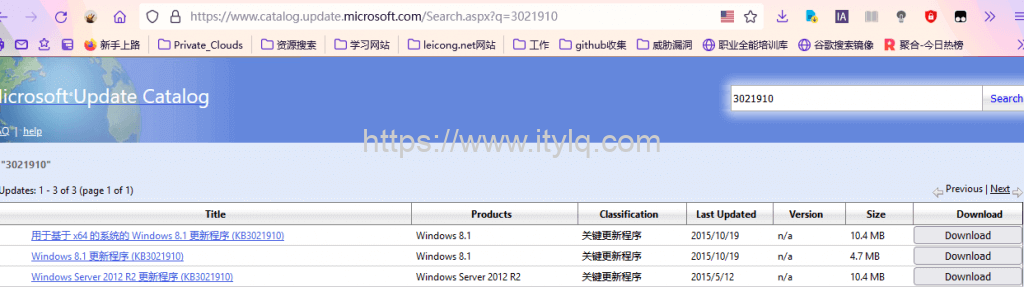
Finally, I found out that before installing the KB2919355 patch, I had to apply the KB3021910 pre-patch...record it for subsequent reference.
Attachment: Quickly search and download Microsoft official patch packages by patch number: https://www.catalog.update.microsoft.com/Home.aspx
This article was moved from WordPress to MkDocs