What should I do if I cannot click "Next" when installing R Open and R Server offline for SQL Server 2012/2016 database software?
Original link: https://www.itylq.com/sql-server-20122016-r-open-r-server.html
Release date: 2022-09-19 Migration time: 2026-03-21
Installing a database software is really laborious. I finally finished the various patch packages for the system and installed the jre environment. But when I got to the R open and R server steps, I got stuck again. I downloaded the .cab file offline according to the prompt link, and the path is correct, but why can't I "next step"?


Solution:
**Modify the LCID identifier value in the offline package file name from 1033 to 2052, and then press the "Browse" button again to select the path. **

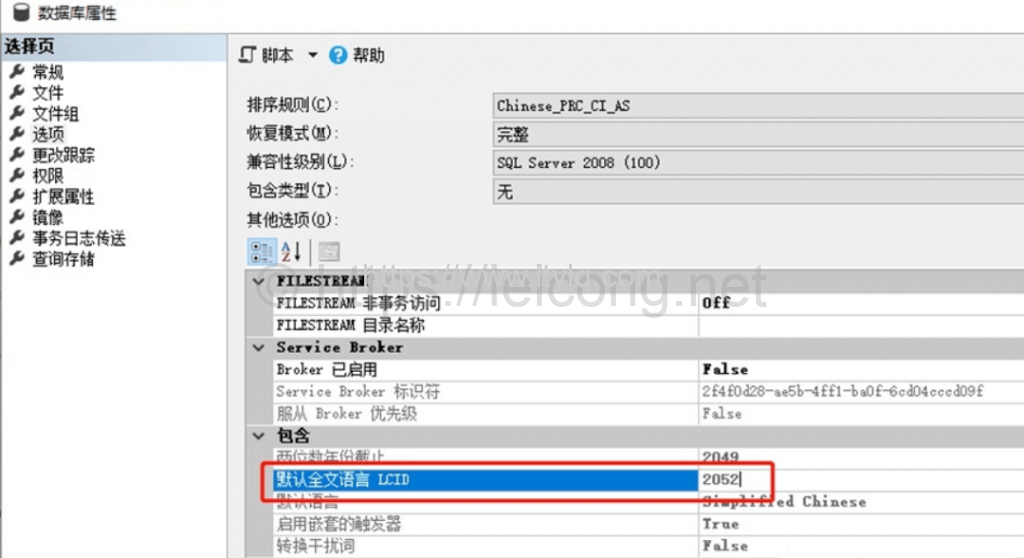
When browsing the directory after software installation, we often find that there is always a directory named 1033 or 2052 in many installation directories. This is called LCID (Locale ID, regional identifier). Commonly used LCIDs are 1033 for English (United States) and 2052 for Chinese (China).
This article was moved from WordPress to MkDocs