Solve the problem of "PR_CONNECT_RESET_ERROR" when opening a webpage in Firefox browser
Original link: https://www.itylq.com/firefox-explorer-pr-connect-reset-error.html
Release date: 2022-09-19 Migration time: 2026-03-21
1 Problem description
Recently, the Firefox browser has been having trouble again. I found that when opening the pages of many well-known websites (qq, sina, sohu, etc.), the prompt "PR_CONNECT_RESET_ERROR" is displayed, as shown in Figure 1 below. However, when opening the page using other browsers, it is normal.

2 solutions
This problem is caused by Firefox's DNS prefetching feature. DNS prefetching is a double-edged sword, with both advantages and disadvantages. On the one hand, the DNS pre-reading function can improve the speed of the browser opening web pages. However, because these DNS are saved in the local computer or mobile phone and are no longer updated in real time, under certain circumstances, some unexpected situations may occur, such as the PR_CONNECT_RESET_ERROR error. Therefore, when this error message appears, please turn off the DNS pre-reading function.
3 Detailed operations
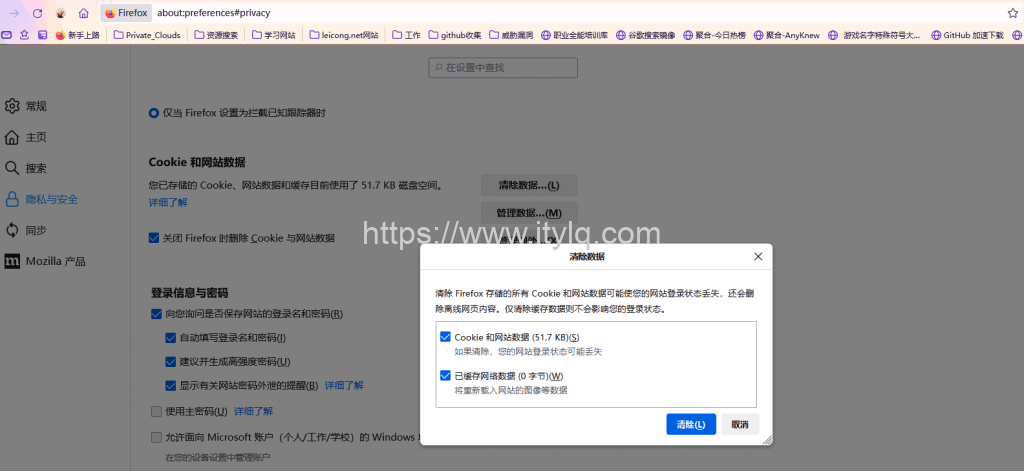
Just turn off the DNS expected function. Enter: about:config command in the address bar of Firefox and press Enter. Firefox will tell us that changing advanced configurations is risky. Click Accept the risk and continue, then search for the network.dns.disablePrefetch preference. The default configuration is false, switch to true, then clear the browser's cache records, and finally, restart Firefox.

This article was moved from WordPress to MkDocs