Qunhui NAS system uses FRP open source tools to achieve intranet penetration practice record (2)
Original link: https://www.itylq.com/frp-tech-in-synology-nas_2.html
Release date: 2022-09-17 Migration time: 2026-03-21
In the above article, "[Practical record of Qunhui NAS system using FRP open source tools to achieve intranet penetration (1)] (/frp-tech-in-synology-nas_1.md)" briefly records the installation and configuration of FRPS on the server side through online installation. In fact, you can also manually install and configure it by uploading the offline package, configuring frps.ini, and then running FRPS. The FRPC (FRP) to be recorded in this article The client side installation method is manual. Because the server/client side configurations are similar, the manual server side installation method is omitted in the previous article.
1 Qunhui NAS client installation and configuration FRPC (FRP Client)
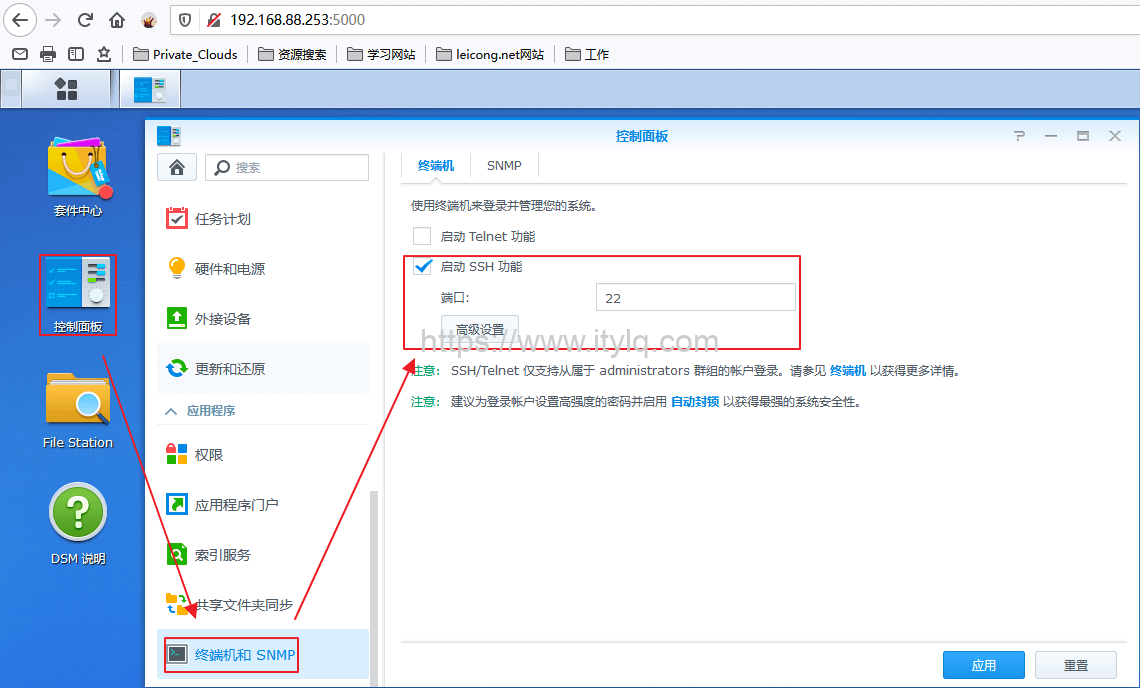
- Qunhui enables the SSH service: log in to the Qunhui DSM system, go through Control Panel -> Terminal and SNMP, check the SSH service and configure the port number;
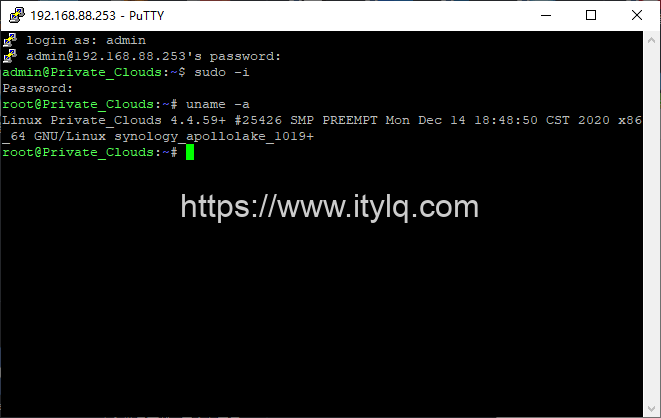
- Use third-party tools Putty, SecureCRT, Xshell, etc. to remotely log in to the Qunhui system and check the system version (the bottom layer of Qunhui is a Linux system). SSH remote connection, log in using the administrator account and password (non-root), and then switch to root permissions.
sudo -i
password: #Enter the administrator password
uname -a #View the current DSM system linux digits
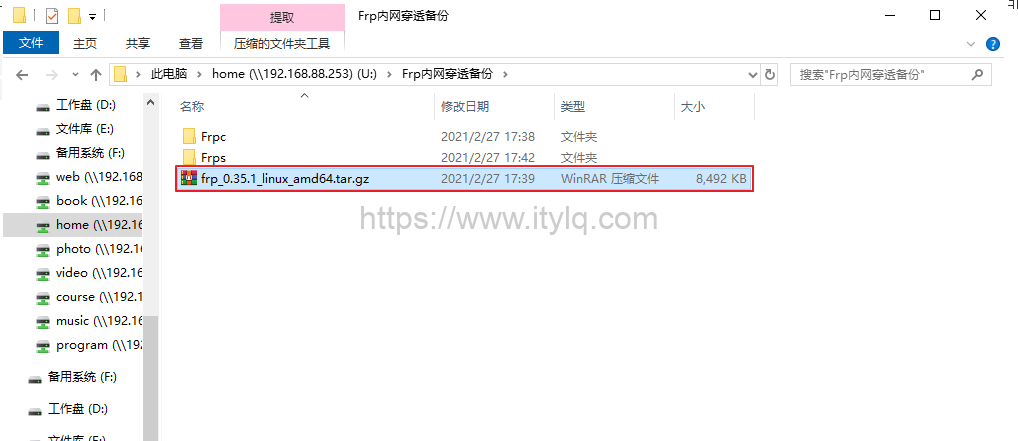
- Copy the corresponding version of the frp offline package to the "../homes/admin/Frp intranet penetration backup/" directory on the windows shared folder, then copy it to the "/usr/frpc/" directory on the putty command line interface and extract it:
cp /volume1/homes/admin/Frp intranet penetration backup/frp_0.35.1_linux_amd64.tar.gz /usr/frpc/
cd /usr/frpc/
tar -zxvf frp_0.35.1_linux_amd64.tar.gz
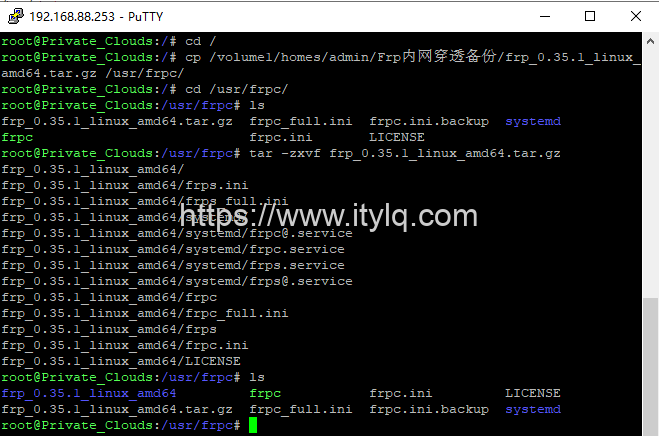
- Delete the irrelevant frps and frps.ini, copy the frpc, frpc.ini, frpc_full.ini, and LICENSE files to the frpc directory, and then configure the frpc parameters through the command vi ./frpc.ini:
[common]
server_addr = 211.149.141.94 # Server public IP address
#server_addr = kkcdn.cn #Access via domain name, can be omitted
server_port = 5443 # Consistent with the server-side Bind Port port
token = abc123456 # Consistent with the server-side token

[ssh]
type=tcp
local_ip = 192.168.88.253
local_port = 22
remote_port = 22

[Private_Clouds DSM]
type = http # proxy type
local_ip = 192.168.88.253 # Intranet Qunhui DSM address, which can also be set to 127.0.0.1
local_port = 5000 # Intranet Qunhui DSM application service port, the local port 5000 is DSM
subdomain = nas # Second-level domain name

[Private_Clouds SynDrive]
type = http # Proxy type. If there are multiple http types that need to be sent through frp proxy,
local_ip = 192.168.88.253 # The local area is distinguished by local_port. When accessed externally, the second-level domain name is used.
local_port = 8844 # to distinguish different applications.
subdomain=drive

[Private_Clouds Files]
type=http
local_ip = 192.168.88.253
local_port = 8855
subdomain=file
...
After the configuration is completed, run FRPC in the background through the command ./frpc -c ./frpc.ini &. FRPC configuration is completed.
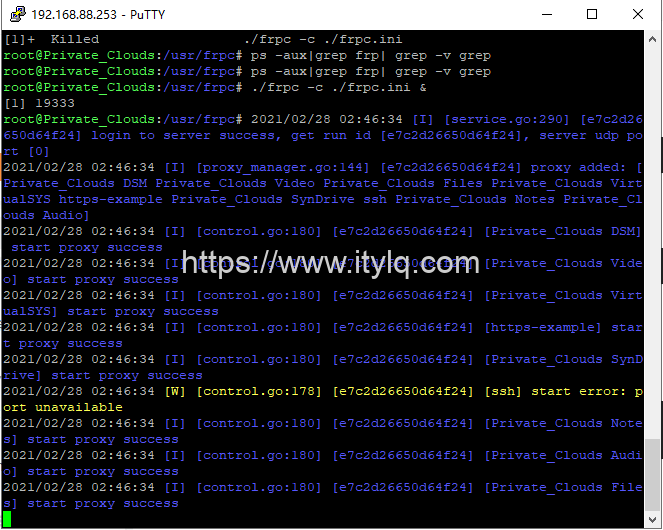
Attachment:
During the client configuration and debugging process, you may need to run/close frpc multiple times. The following is the command to shut down the frpc process:
ps -aux|grep frp| grep -v grep
3600 0.1 0.1 110188 9484 pts/0 Sl 15:04 0:00 ./frpc -c ./frpc.ini
kill -9 3600 # 3600 is the frpc process number
Note that if there is only one proxy type of different types, it can be accessed directly through the public IP plus the vhost http port number (such as 211.149.141.94:90). If multiple applications of the same proxy type require proxies, they need to be distinguished with the help of second-level domain names.
2 Domain name mapping
Resolve an idle domain name (such as kkcdn.cn) to the public IP of the server-side ECS. At the same time, create the corresponding second-level domain name based on the frpc.ini configuration file information, and then resolve all second-level domain names to the public IP of the ECS.
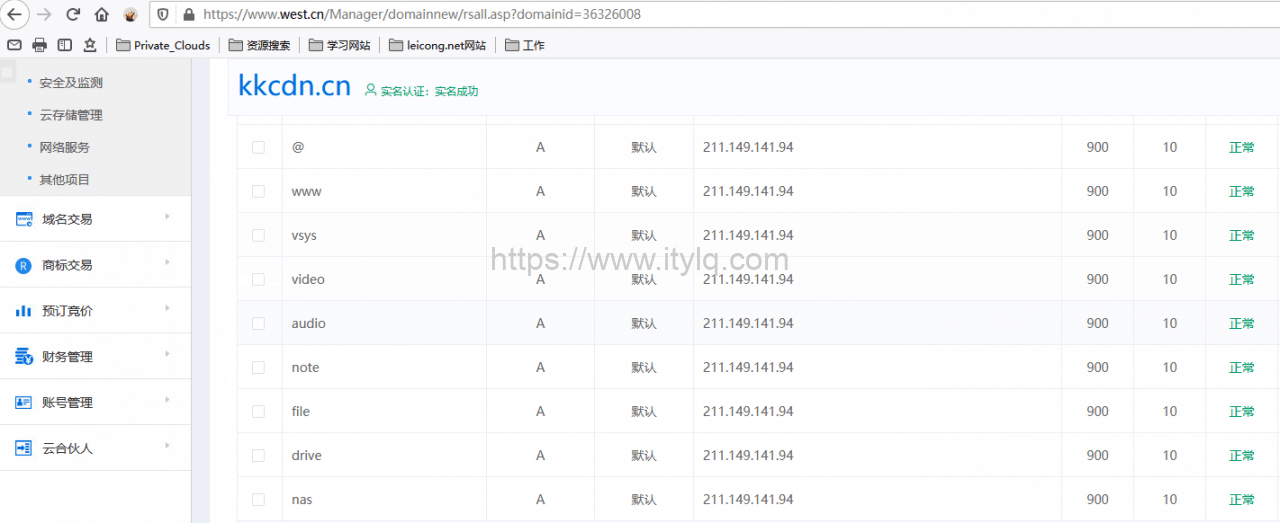
If the server is installed online with one click through a script, the default value of the subdomain_host field in frps.ini is the ECS public IP. In this case, you need to change "subdomain_host:211.149.141.94" to "subdomain_host:kkcdn.cn".
3 Intranet penetration access verification
Check the FRPS Dashboard proxy connection status and verify that the intranet Qunhui NAS application is accessed through the second-level domain name:
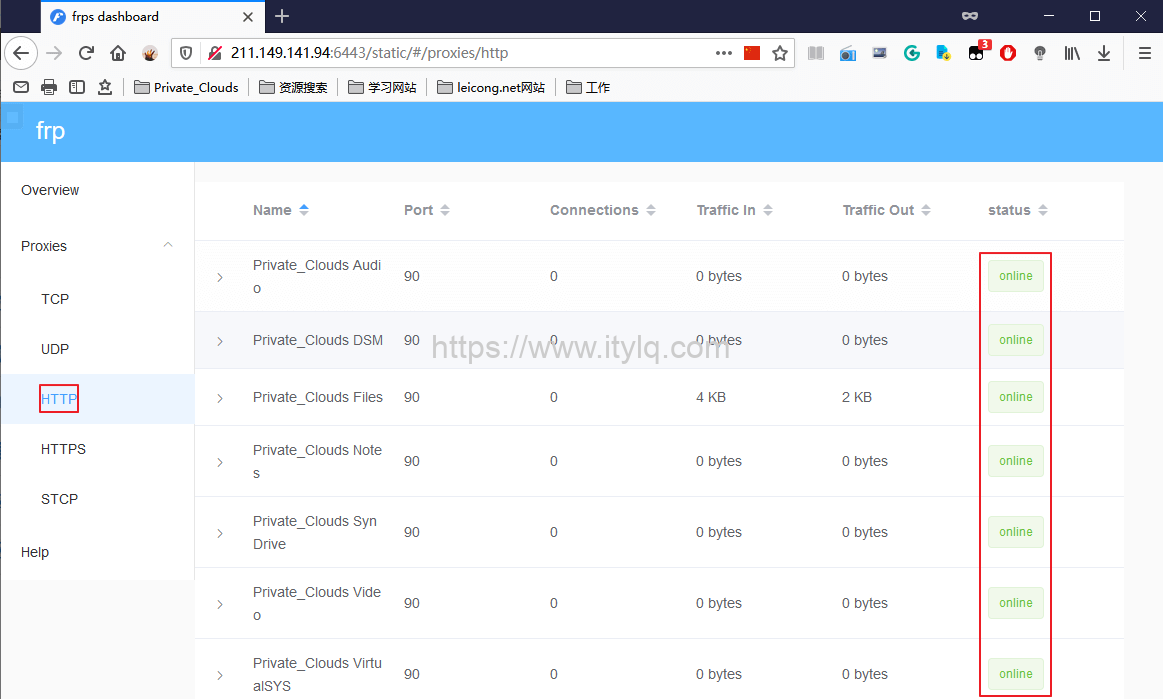
Access the Qunhui NAS Video application through the second-level domain name (video.kkcdn.cn:90):

Access Qunhui NAS File service:
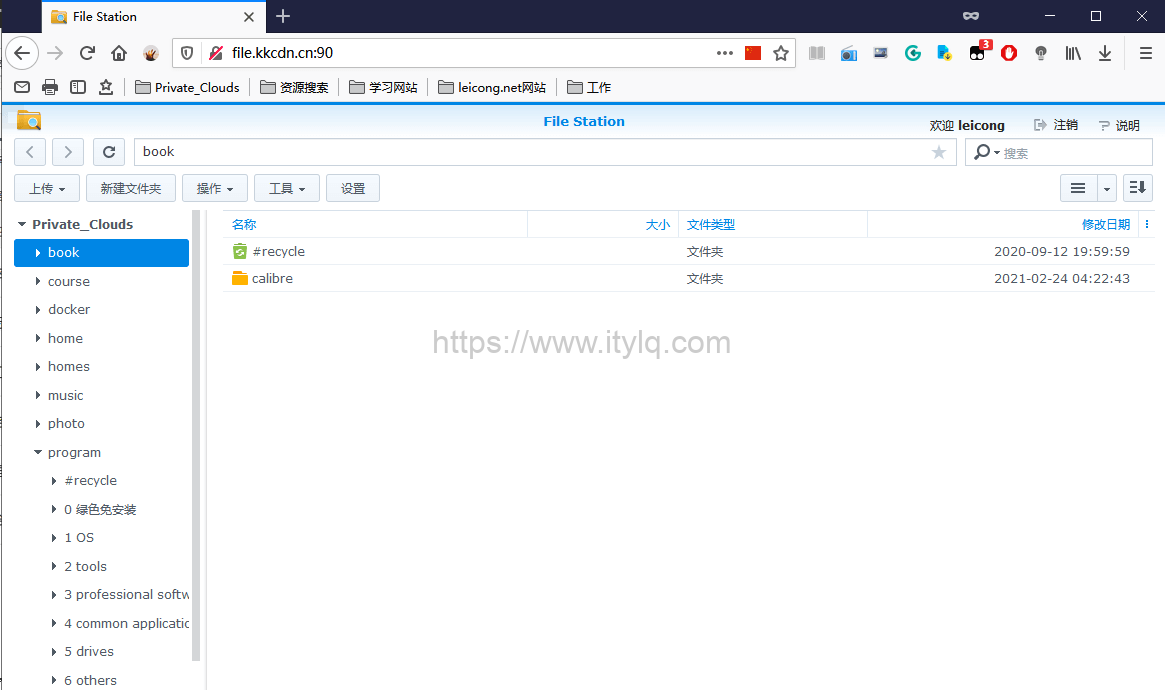
Finally, I tested the speed of downloading Qunhui NAS files through the FRP proxy. It was about 350KB/S≈350*8=2.8Mbps, which was okay. The order for ECS is 4M bandwidth. In addition to website access, I also run some data collection software on a daily basis. The bandwidth utilization rate is almost 80-90%.

This article was moved from WordPress to MkDocs