Verification of a Layered Dual Nginx Gateway Architecture in a Single-Server Environment
1 Why Use a Dual Nginx Setup
With the current trend toward containerization and microservices, a single gateway struggles to effectively manage traffic governance and business decoupling. The dual Nginx architecture achieves separation of duties and fault isolation through a layered structure consisting of an outer gateway (SSL offloading, rate limiting, access control) and an inner containerized Nginx (business routing, static services).
This article demonstrates the setup on a single host machine: the outer Nginx is installed directly, while the inner Nginx runs in a Docker container, verifying the collaborative logic of the two layers.
2 Request Flow (Single-Host Version)
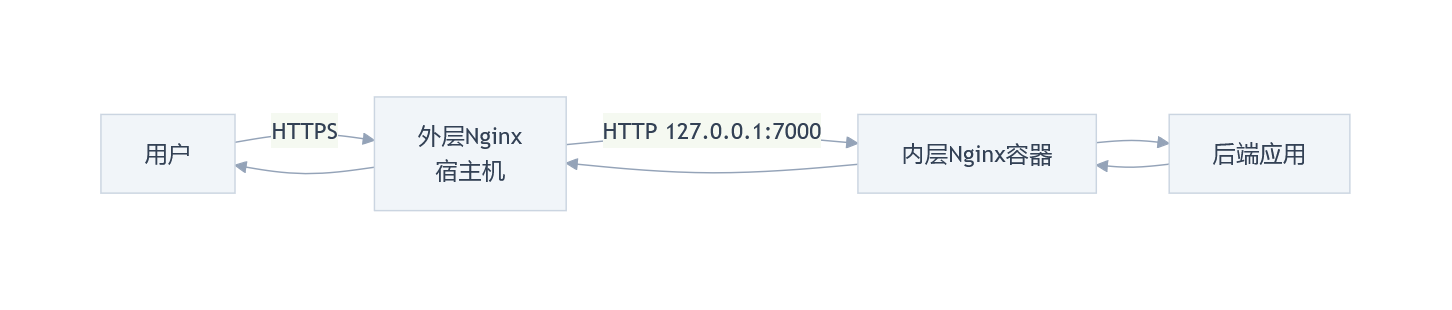
User Request Flow:
-
User → HTTPS → Outer Nginx (Host Machine)
-
Outer Nginx → HTTP →
127.0.0.1:7000(Docker mapped port) -
Inner Nginx Container → Backend Application
-
Response returns via the same path
3 Key Configurations
3.1 Outer Nginx (Host Machine)
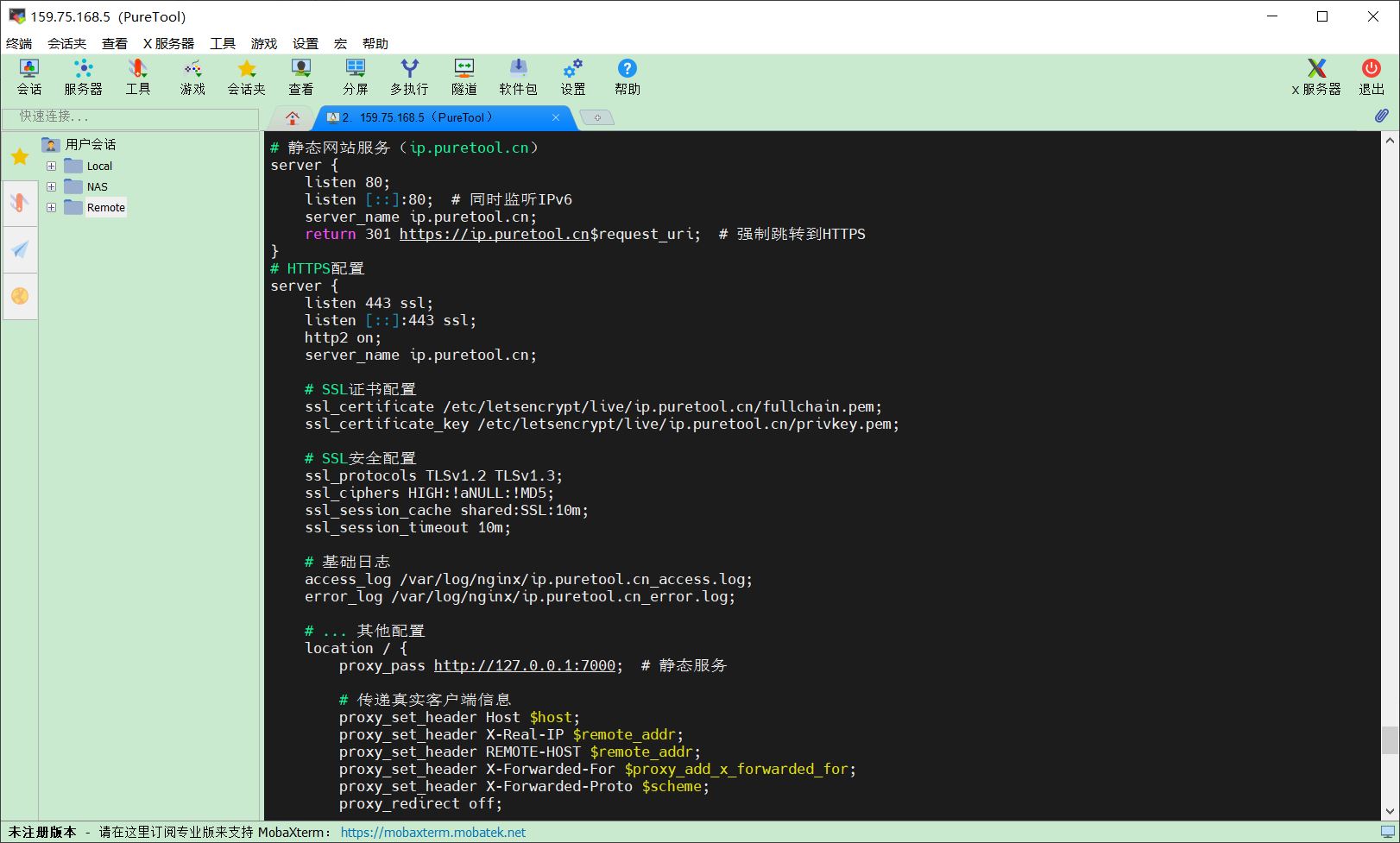
Function: SSL termination, forwarding to the local container port.
Excerpts from the configuration file are as follows:
# File path: ../conf.d/multi-app.conf
server {
    listen 443 ssl;
    server_name ip.puretool.cn;
    ssl_certificate /etc/letsencrypt/live/ip.puretool.cn/fullchain.pem;
    ssl_certificate_key /etc/letsencrypt/live/ip.puretool.cn/privkey.pem;
    location / {
        proxy_pass http://127.0.0.1:7000;
        proxy_set_header X-Real-IP $remote_addr;
        proxy_set_header X-Forwarded-For $proxy_add_x_forwarded_for;
    }
}
3.2 Inner Nginx (Container)
Container Creation:
networks:
  app-common:
    external: true

volumes:
  nginx-www:
    name: nginx-www

services:
  nginx-proxy:
    image: nginx:alpine
    environment:
      - TZ=Asia/Shanghai
    container_name: nginx-proxy
    restart: unless-stopped
    networks:
      - app-common
    ports:
      # Open only to the host machine; not exposed to the public internet
      - “127.0.0.1:7000:80”   # Static websites (ip.puretool.cn, www.leicong.net, www.itylq.com等)
      - “127.0.0.1:7001:80”   # Trilium routing
      - “127.0.0.1:7002:80”   # WebDAV routing
      # - “127.0.0.1:700N:80”  # Other application groups (If multiple independent ports are required)
    volumes:
      - ./nginx.conf:/etc/nginx/nginx.conf:ro
      - ./conf.d:/etc/nginx/conf.d:ro
      - ./redirect.map:/etc/nginx/redirect.map  # ITYLQ redirect file
      - ./logs:/var/log/nginx
      - nginx-www:/www
Nginx Configuration (inside the container):
An excerpt from the configuration file is as follows:
server {
    listen 80;
    server_name ip.puretool.cn;  # Matches the gateway domain name
    index index.html index.htm;
    root /www/ip.puretool.cn;
    # Other location configurations...
    location / {
        try_files $uri $uri/ /index.html;
    }
    # Block access to sensitive files
    location ~* (\.user.ini|\.htaccess|\.htpasswd|\.env.*) {
        return 404;
    }
    error_page 404 /404.html;
}
4 Verification
1. Test Request

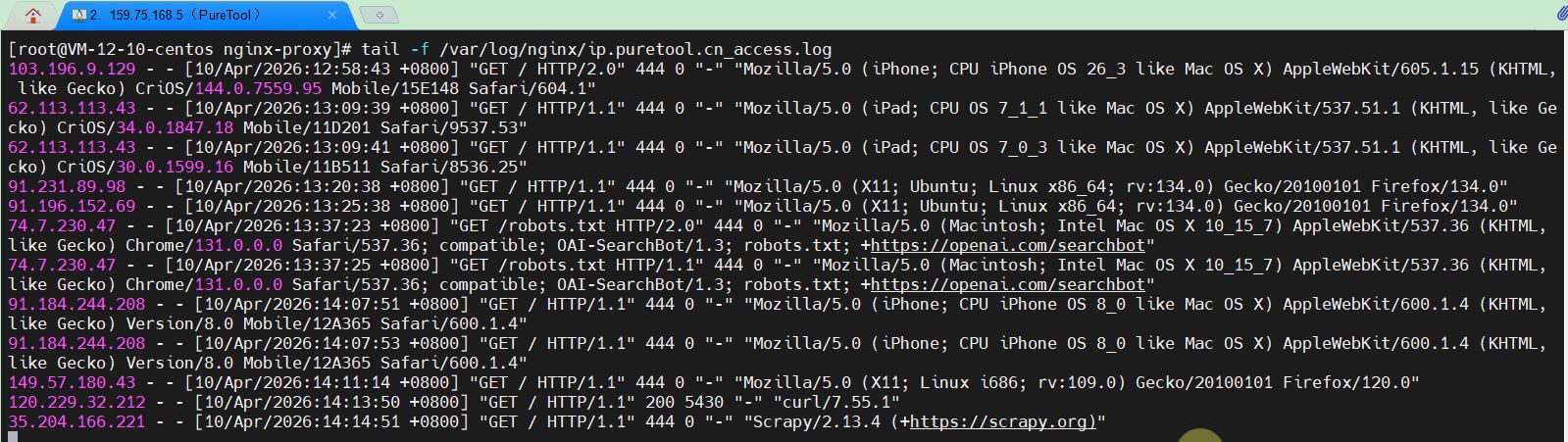
2. View the outer-layer logs
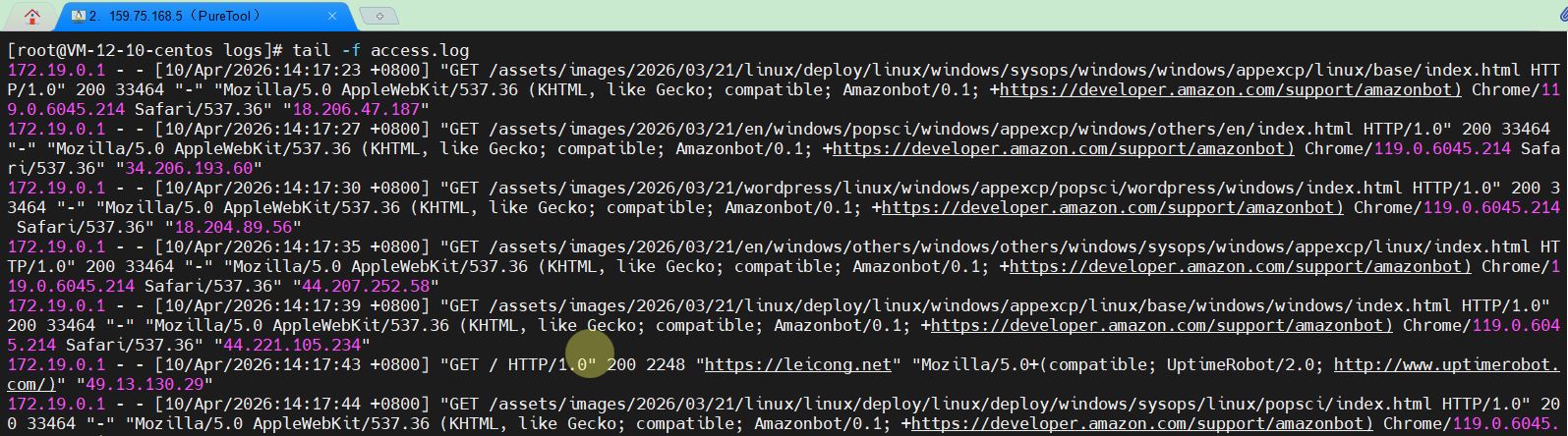
3. View inner-layer logs
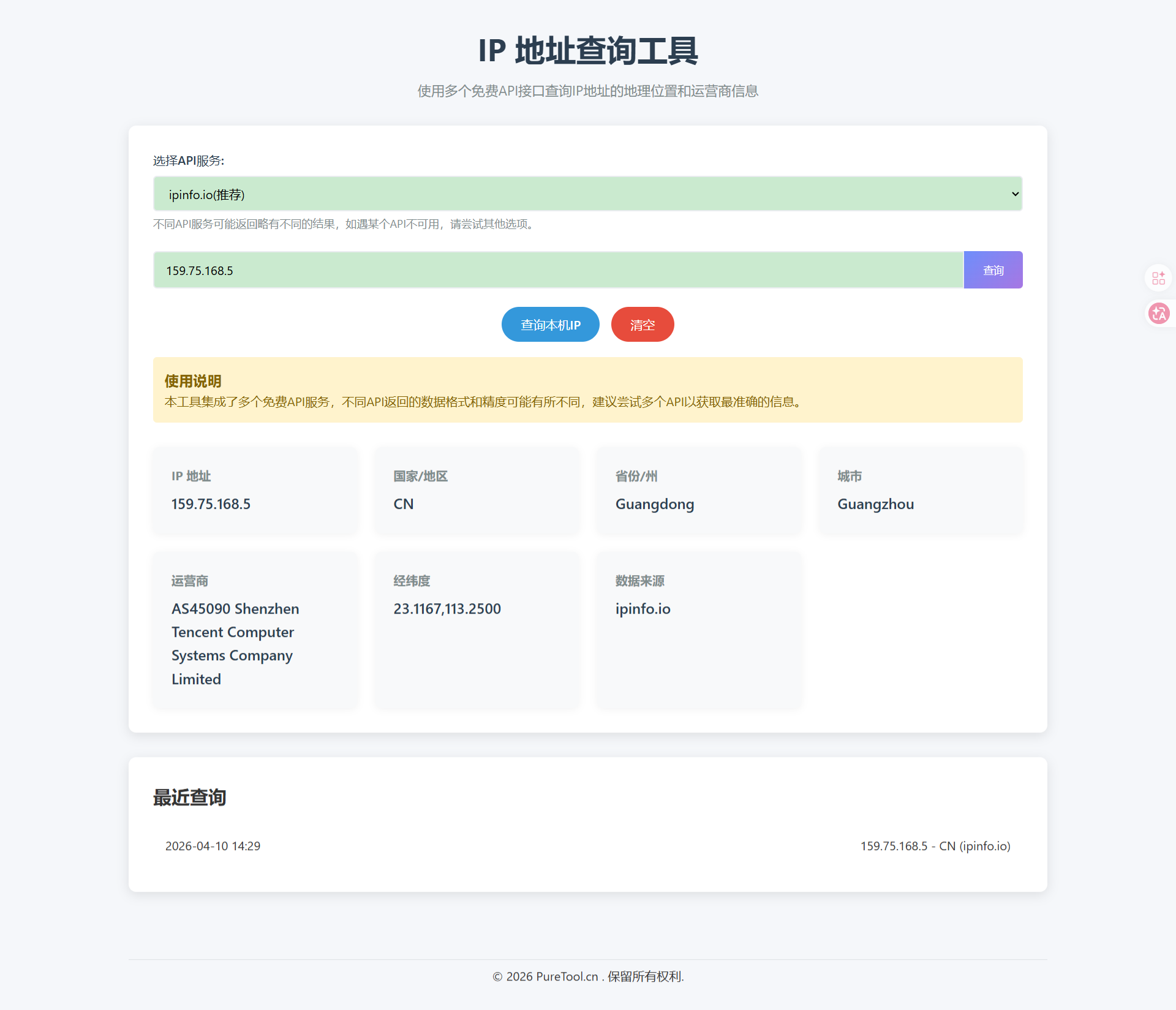
4. User Terminal Access Results
5. Extension: The Complete Traffic Management Chain
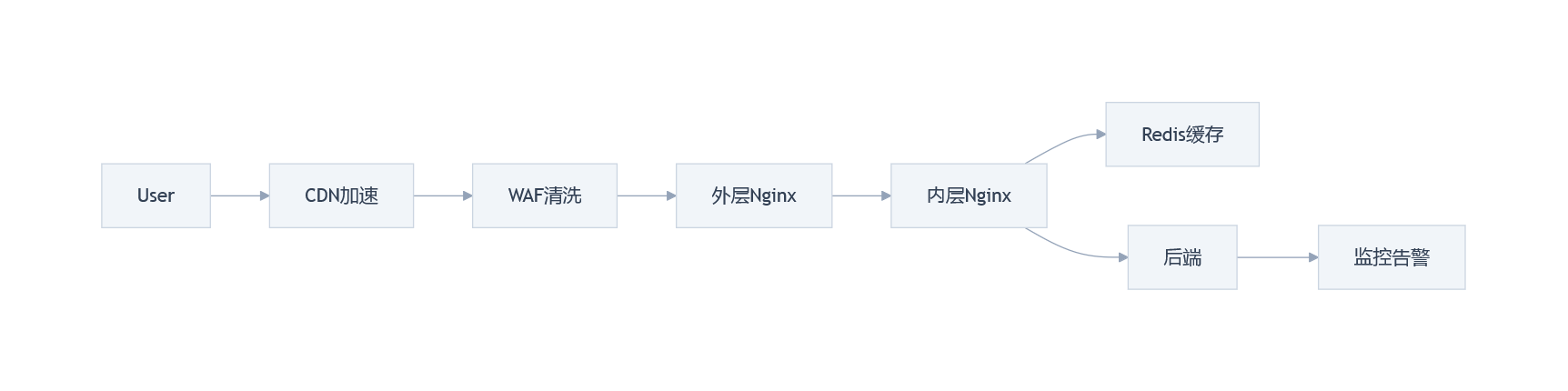
Dual Nginx is widely used in production environments and is often integrated into larger traffic management systems, such as CDNs for edge acceleration and origin server hiding, WAFs for preventing injection attacks and filtering malicious traffic, Redis for caching hot data, and Prometheus for real-time monitoring of Docker container status. Due to space limitations, we won’t go into detail here. If you’re interested in the practical deployment of Linux applications, please follow us—we’ll be updating with more related content in the future.